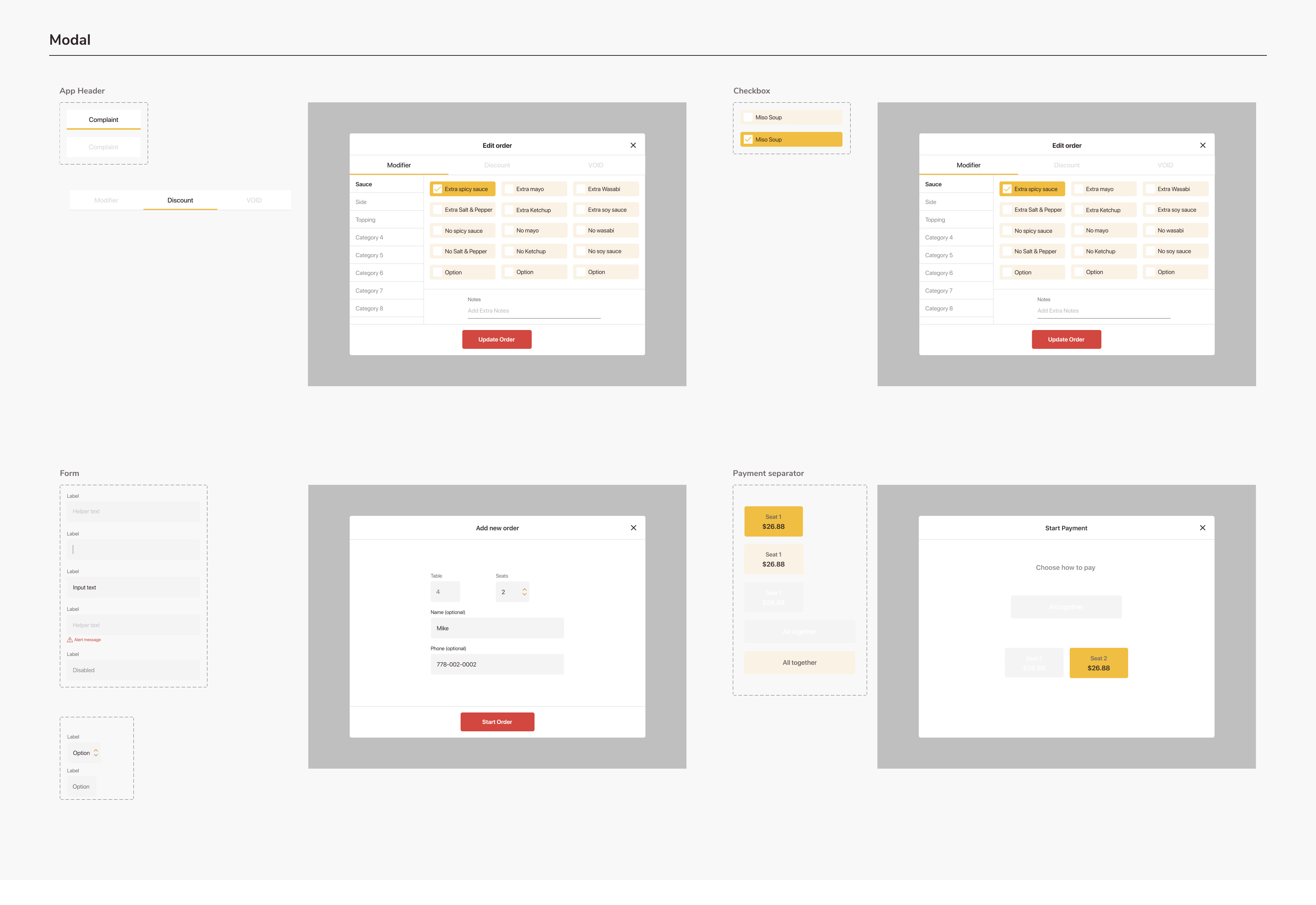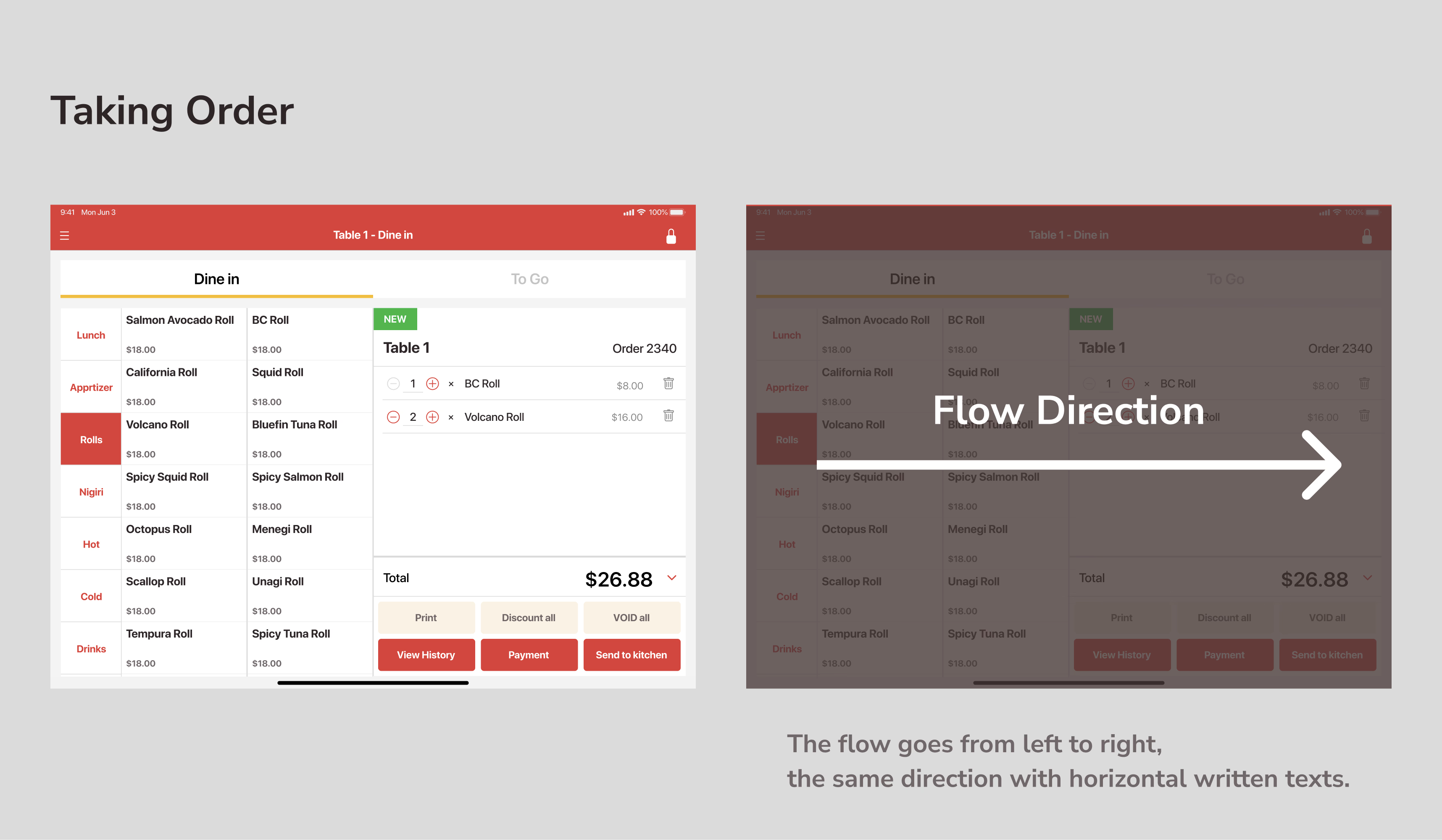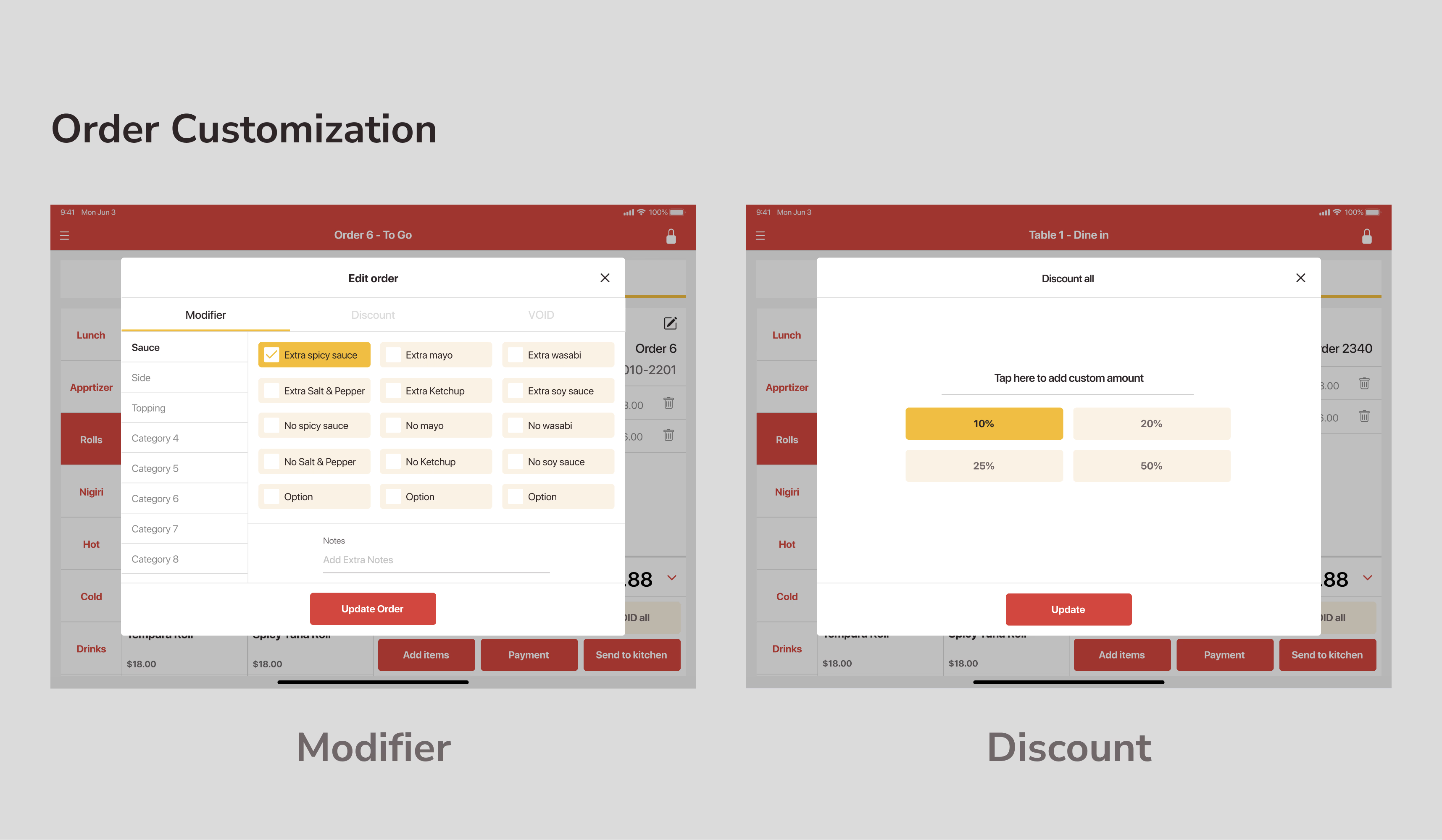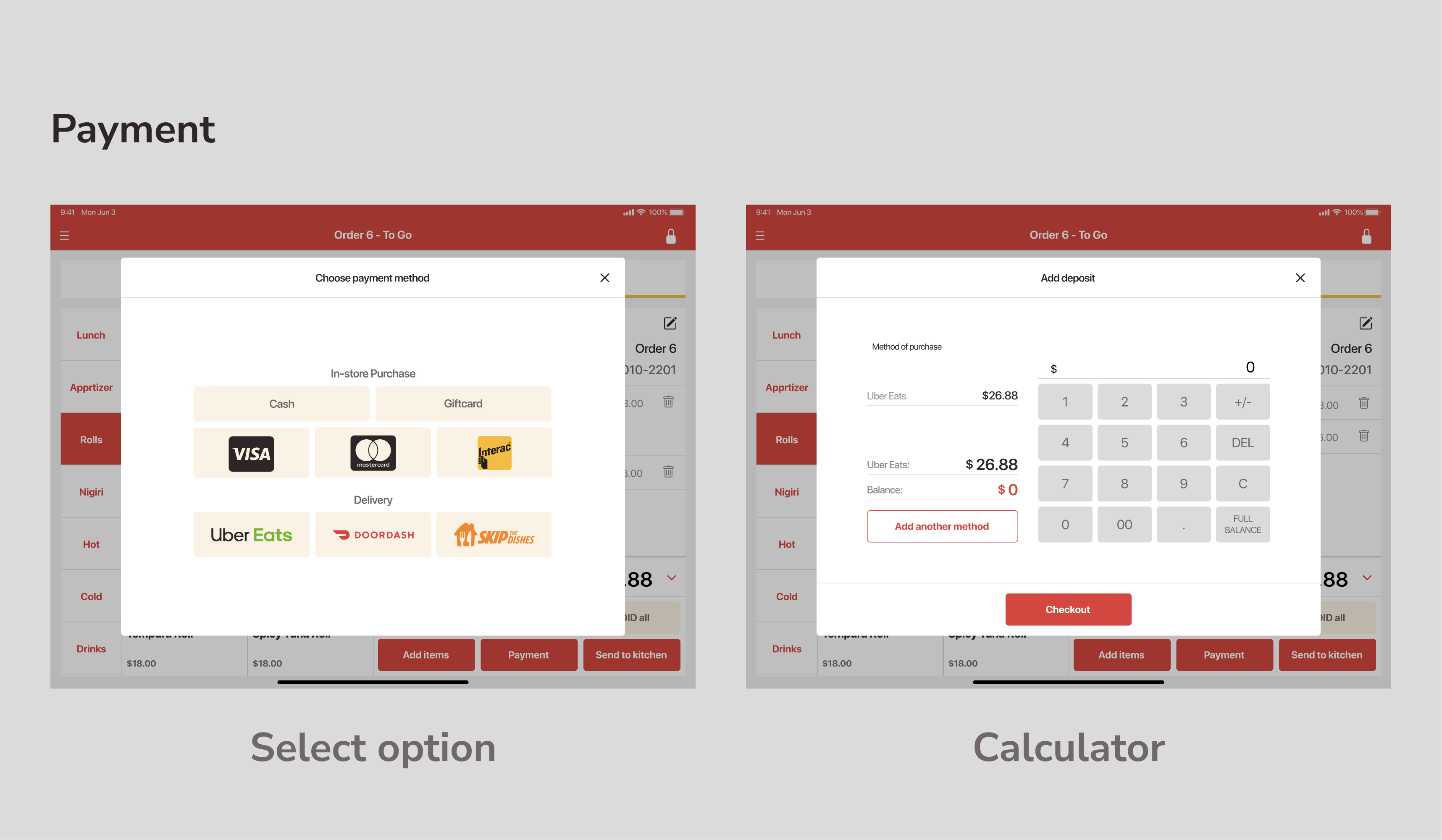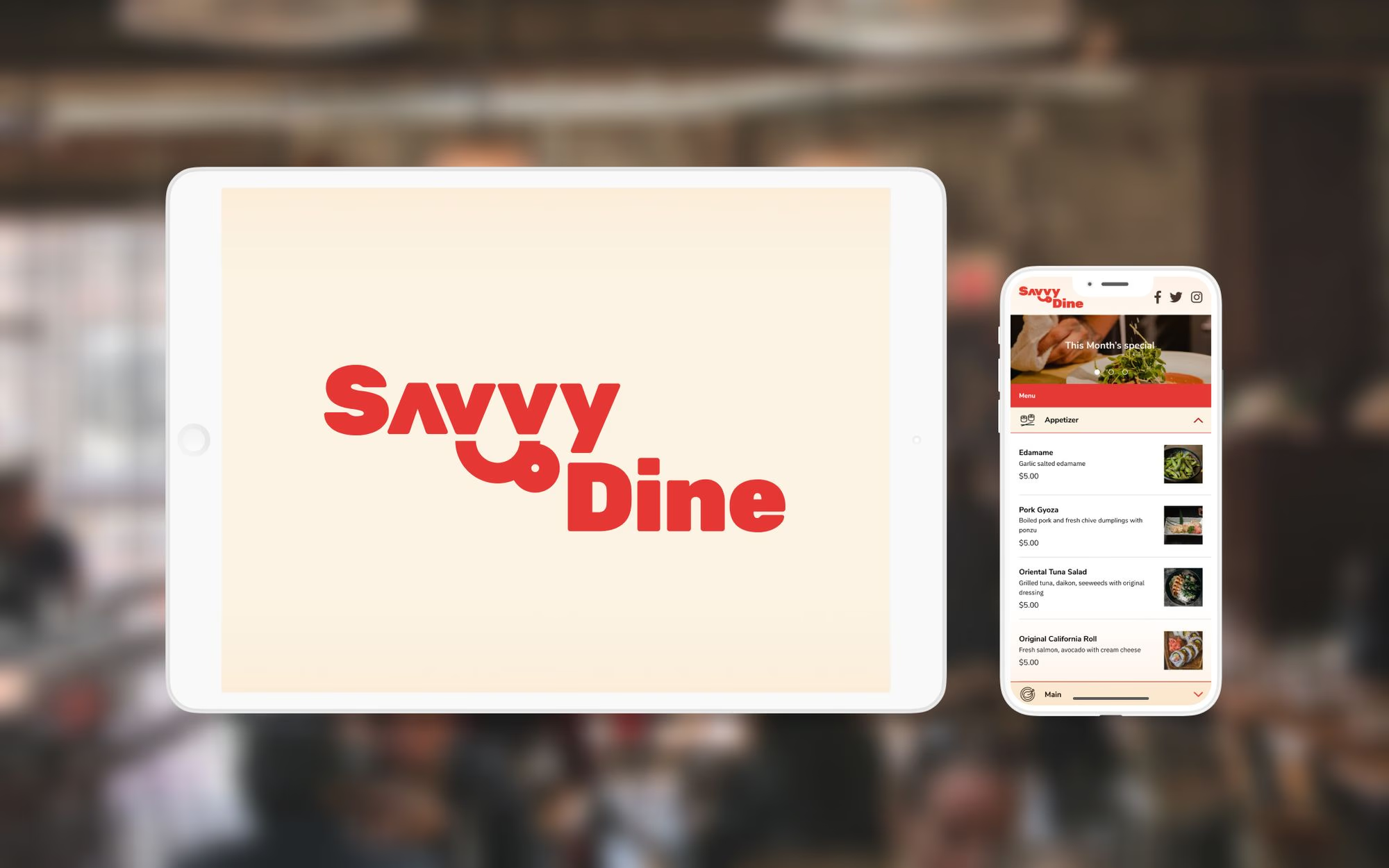
I conducted UI and UX design for software for restaurant and their customer, which is offered by my friend's newly established company to expand his business opportunity. We built a Point of Sales app for iPad and their dashboard.
👀 What is Point of Sales?
The point-of-sales system offers the restaurant server to manage orders and sales. Traditional products are sold as huge machines.
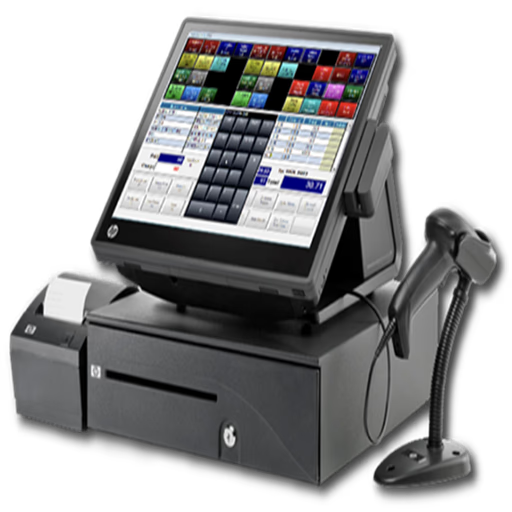
Example of Points of sale system via favpng.com
However, this one usually has these issues.
- NOT portable — Every time, servers have to jot down orders and add them manually
- NOT cheap — Businesses may need to pay $$$$$ as an initial cost
- NOT easy to use — Complicated interface, huge learning cost
- Cannot manage serving, takeout, and delivery altogether
Goal: Resolve 3 NOTs
Then, we thought we can solve these 3 NOTs by offering our system
- Portable — Servers can add orders directly in the iPad app
- Cheap — iPad can be much cheaper than the traditional system
- Easy to use — The user-friendly interface even for the trainee
- Can manage serving, takeout, or delivery all in one app
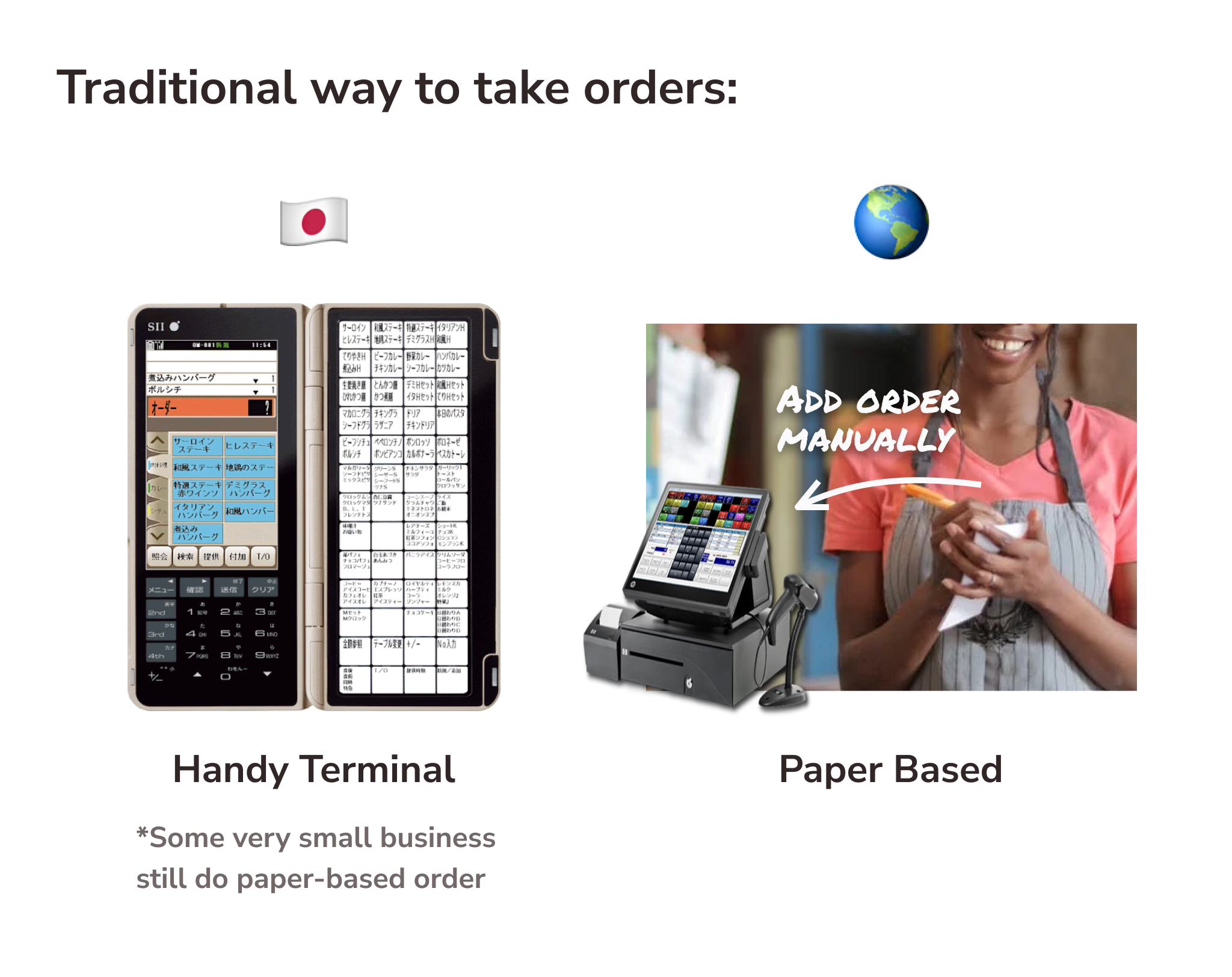
💡Tip: Although some portable POS systems (called "Handy Terminal" or "Handy") are available in some restaurant chains in Japan, There are still a lot of businesses that manage orders by writing on paper - especially outside Japan.
UI Goals
Since all the restaurant requires to deliver as quickly as possible, there were the following requirements:
Keyword: Speed Is the King
- Minimize the number of tap and screen transition
- Has accuracy in the flow and actual UI when the staff sends orders.
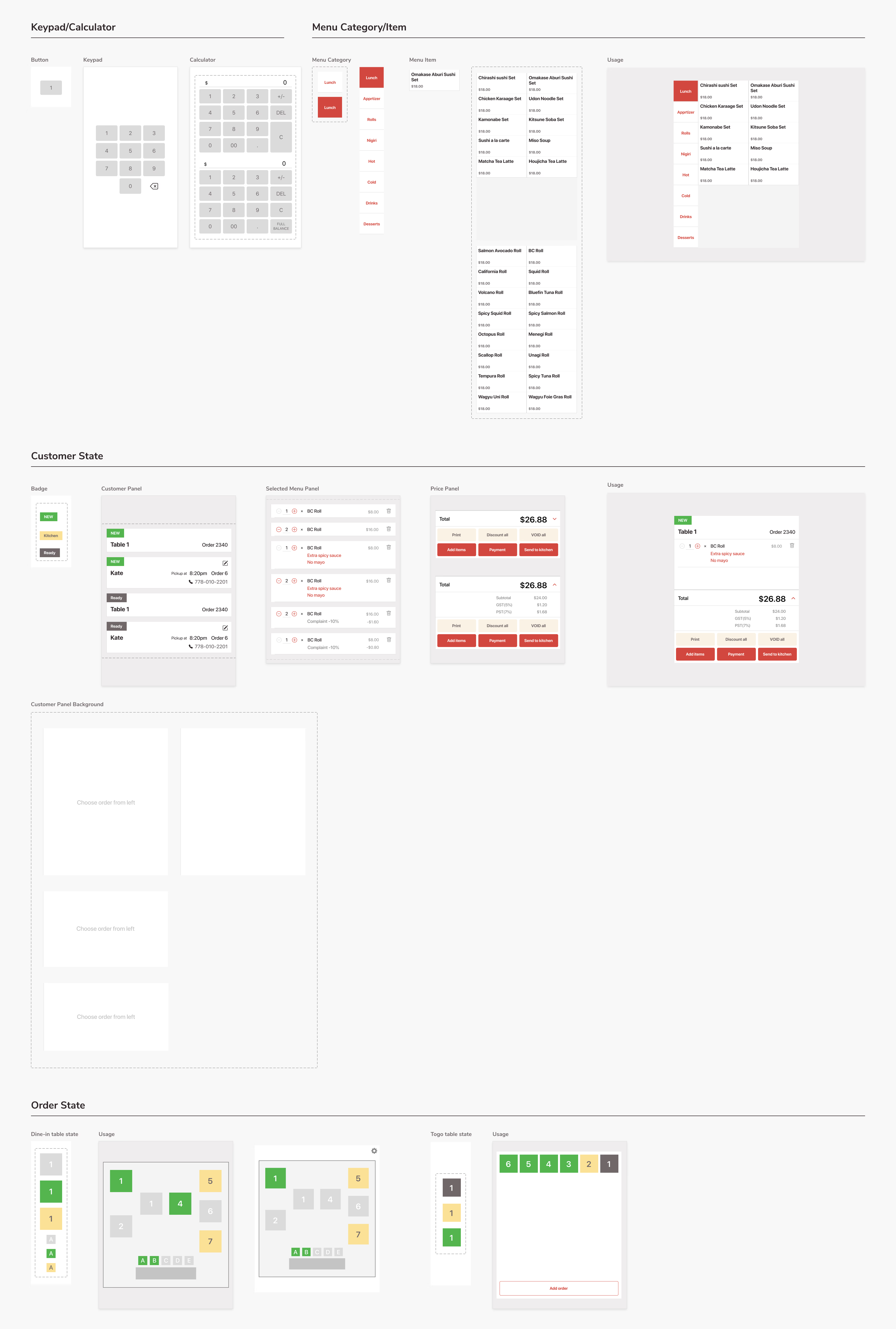
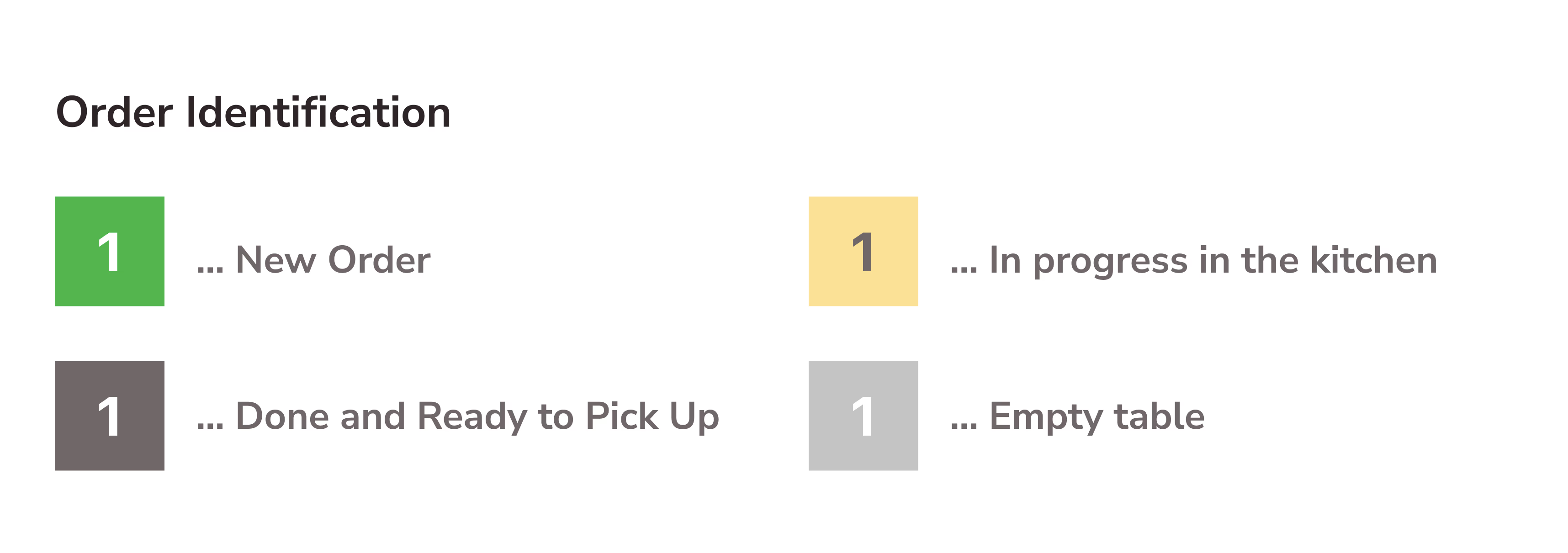
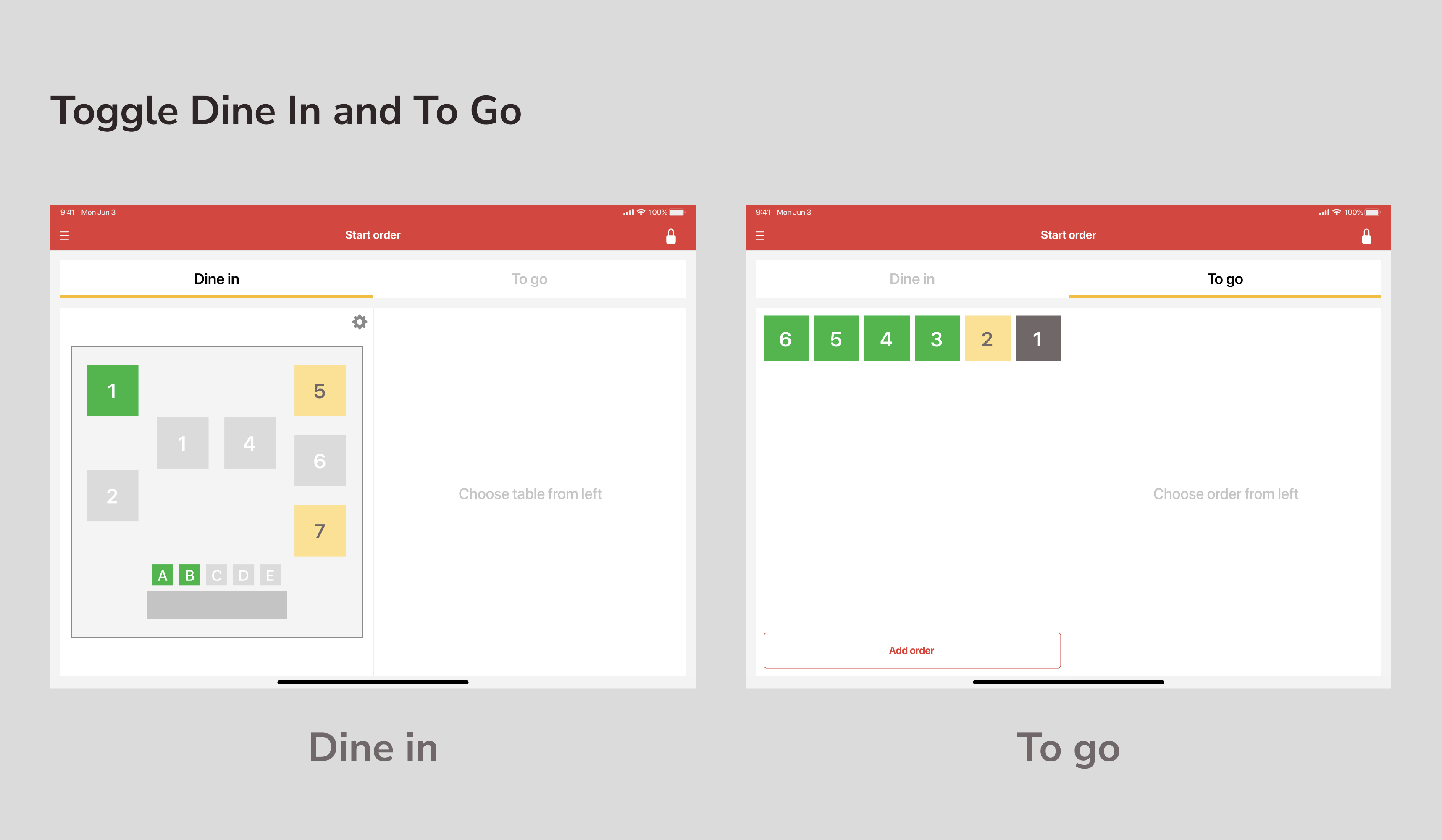
- Staff can identify whether the seats are available, in use, or ready for the next order promptly
- Staff can check and switch to other orders as quickly as possible(if dine-in)
I aimed to design clean, friendly but reasonable Interface and Experience for restaurant servers (B2B) on the iPad app.